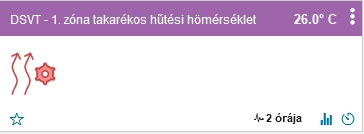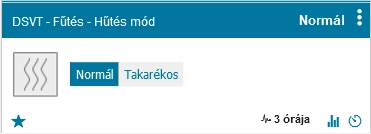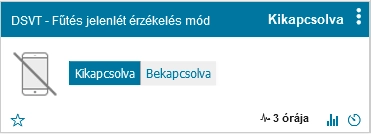

In Cooling / Heating mode, the following switches and configuration parameters are available:
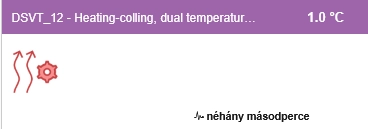
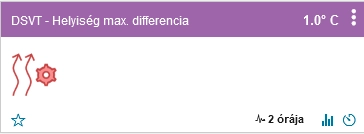
This setting determines how far the measured temperature may fall below the target temperature before the second heat source is activated in dual heating mode.
If both heat sources should operate at the same time, set this value to 0. In this case, they will operate in parallel.
If the second heat source is intended mainly as a backup, for example when the first heat source does not provide sufficient output or fails, a difference of approximately 0.5–1.0 °C can be used, depending on the normal temperature fluctuations of the system.
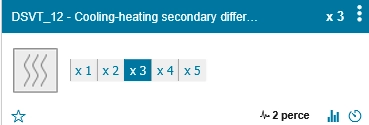
To avoid unnecessary switching caused by temporary temperature fluctuations, an averaging function can be used. The system calculates the difference from the average of a configurable number of recent measurements.
The calculation is performed once per update cycle, which is 5 minutes by default. For example, a value of x3 means that the average of the last 15 minutes is used.
The operating principle is the same as described above, but this value is used in cooling mode.
The system can also control additional virtual devices together with the primary heating or cooling equipment. For example, a wall-mounted air conditioner or a simple fan can be added as an additional device, and several such devices can be controlled if required.
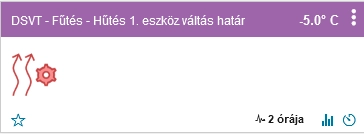
This setting switches operation from Device 1 to Device 2 when the outdoor temperature reaches the configured threshold.
This is particularly useful with air-to-water heat pumps, whose efficiency generally decreases as the outdoor temperature falls. The default threshold is -5 °C. Below the configured limit, the system can switch to another heat source if one is available.
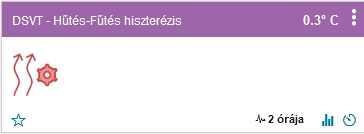
The system attempts to keep the indoor temperature as close as possible to the configured target temperature. Because outdoor conditions and the thermal behaviour of the building are constantly changing, maintaining an absolutely constant temperature is not always possible.
The hysteresis value defines the permitted deviation around the target temperature before heating or cooling is switched on or off.
This function can help equalise temperature differences between rooms even when no active heating or cooling process is running.
If the difference between the highest and lowest temperatures measured by the selected room sensors exceeds the configured threshold, and a circulation pump has been assigned in the basic settings, the system starts the circulation pump.
Circulation continues until the difference between the warmest and coldest selected rooms falls below the configured threshold.
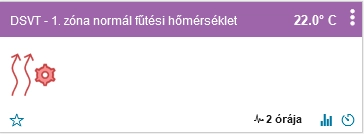
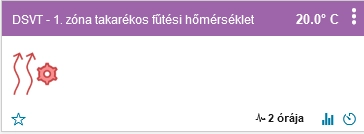
Normal and economy heating target temperatures can be configured separately for each zone. These values can also be changed according to a schedule, allowing the temperature of each zone to follow individual requirements.
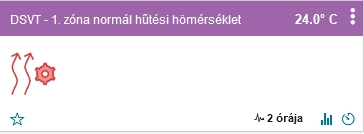
Normal and economy cooling target temperatures can also be configured independently for each zone and can be changed according to a schedule.
Important: first register the temperature sensor for every zone you want to use in the Basic Settings. Heating and cooling target temperatures are only available for zones that have an active temperature sensor assigned. This keeps the configuration interface clear and prevents unused zones from appearing unnecessarily.
Switching between the available operating modes can be performed manually, by using the previously described scheduler, or automatically through Wi-Fi-based presence detection.
This makes it possible to adapt the heating and cooling behaviour to the actual use of the building.
After Wi-Fi-based presence detection has been configured, switching between normal and economy mode can be automated according to whether somebody is detected at home.
This automatic mode can also be enabled or disabled according to a schedule, while manual control remains available at all times.