The AWS_OA automatic irrigation controller can be configured through the Domoticz user interface. The system supports simple scheduled watering as well as automatic irrigation based on soil moisture and weather conditions.
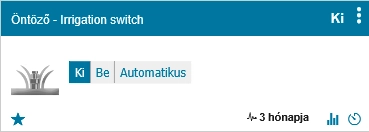
The main control switch offers three operating modes:
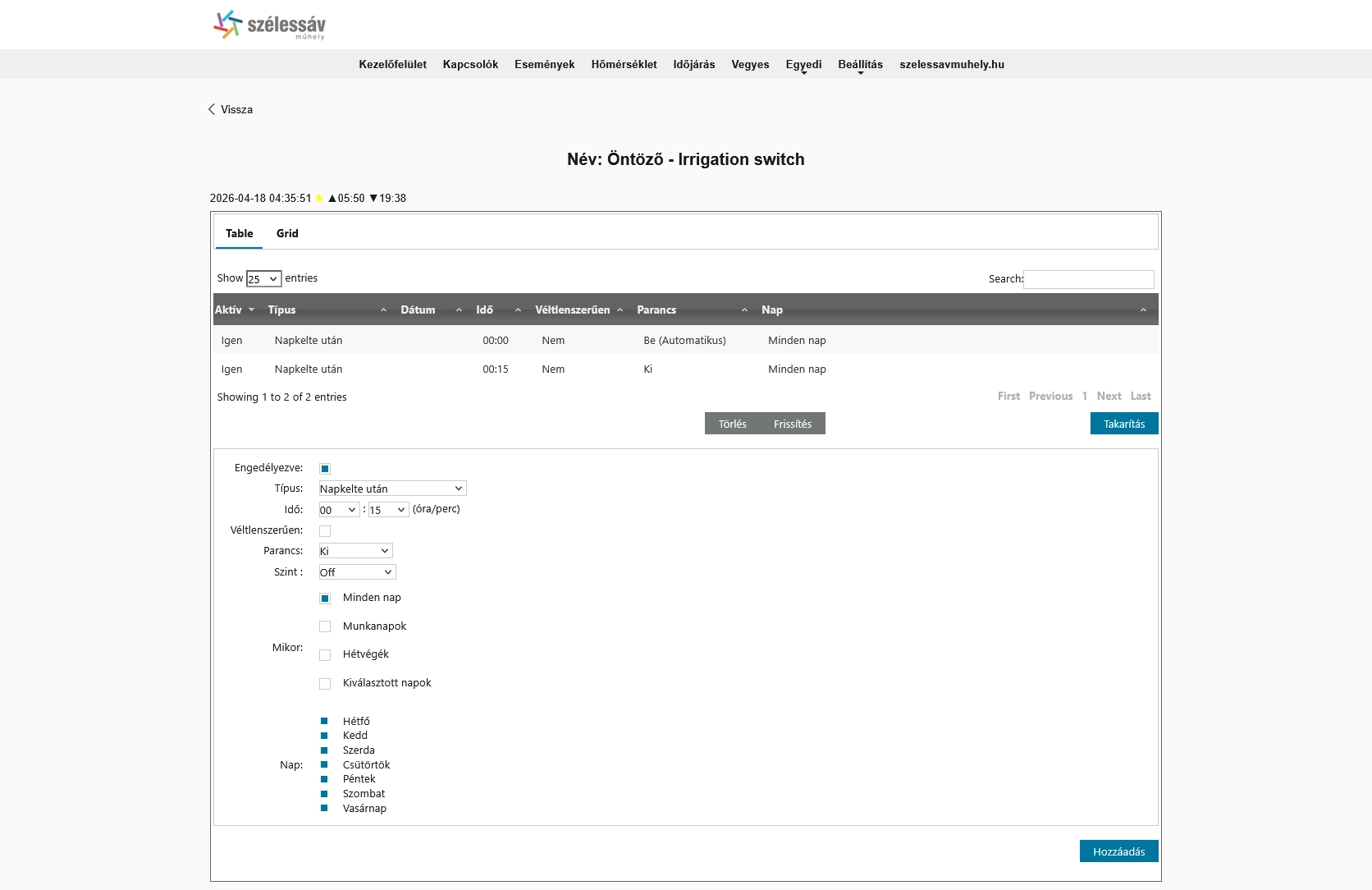
One way to schedule irrigation is to use the built-in Domoticz timer.
For example, the main switch can be configured to turn On every day at sunrise and switch Off 15 minutes later.
The timer can be configured for any time of day, including multiple activations per day. Fixed schedules and Domoticz sunrise- or sunset-based timers can also be used.
Another option is to use the plugin's built-in irrigation scheduler. It works similarly to a conventional irrigation controller, but watering can also be influenced by soil moisture and weather conditions.
The following parameters can be configured separately:
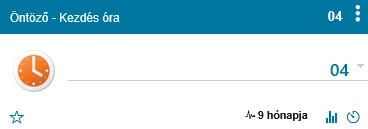
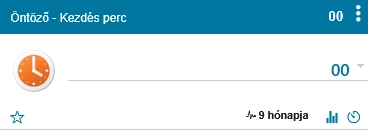
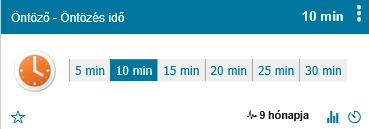
The number of daily repetitions can be set between 1 and 24. Starting from the configured initial time, the system distributes watering cycles at evenly spaced intervals.
For example:
For example, with a starting time of 6:00 AM, four daily repetitions and a watering duration of 10 minutes, the system can schedule irrigation at 6:00 AM, 12:00 PM, 6:00 PM and midnight.
The automatic schedule is active only in Automatic mode, and each watering cycle is subject to the configured irrigation conditions.
If no soil moisture sensor or precipitation threshold is configured, the system operates as a traditional scheduled irrigation controller.
If a soil moisture sensor is integrated into Domoticz, irrigation can be adjusted according to the actual moisture content of the soil.
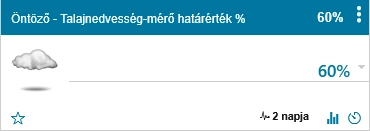
The soil moisture threshold can be configured between 5% and 95%, in 5% increments.
For example, with a 35% threshold, irrigation is permitted only when the measured soil moisture is 35% or lower and all other configured conditions are satisfied.
The plugin supports multiple soil moisture sensors. These can be configured by entering their Domoticz device identifiers (IDX) in the plugin settings.
When multiple sensors are configured, the system calculates the average moisture value and compares it with the configured threshold.
For example, if three sensors report 25%, 35% and 45%, the calculated average soil moisture is 35%.
Soil moisture sensors are optional. The system can also operate without sensors, using only schedules and weather data.
The irrigation controller retrieves precipitation data from the Open-Meteo weather service.
Based on the configured geographical coordinates, the plugin retrieves hourly precipitation data and calculates rainfall totals for the previous 24 hours and forecast precipitation for the next 24 hours.
Weather information is automatically updated every 30 minutes.
A precipitation threshold can be configured to prevent irrigation when sufficient rain has fallen during the previous 24 hours.
The threshold can be selected between 1 and 50 mm, or monitoring can be disabled.
For example, if the threshold is set to 5 mm and at least this amount of precipitation has fallen during the previous 24 hours, the system skips irrigation when operating in weather-dependent mode without soil moisture sensors.
Note that the current version uses the historical precipitation threshold to inhibit irrigation when operating without soil moisture sensors.
The system also monitors the amount of precipitation expected during the next 24 hours.
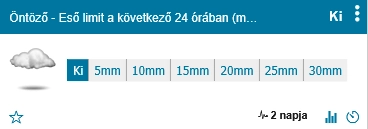
The forecast precipitation threshold can be set between 1 and 50 mm, or monitoring can be disabled.
If forecast precipitation reaches or exceeds the configured threshold, the controller does not start automatic irrigation.
This condition can also be used together with soil moisture sensors. As a result, irrigation will not start even if the soil is dry when sufficient rainfall is expected during the next 24 hours.
Precipitation monitoring helps prevent unnecessary water consumption and overwatering.
Open-Meteo provides weather information based on the geographical coordinates configured in Domoticz.
It is therefore important to ensure that the coordinates correspond to the actual installation location.
Our custom firmware may contain the geographical coordinates of our Budapest office as its default settings. When installing the system elsewhere, these coordinates should always be checked and updated if necessary.
Weather data may occasionally become unavailable because of internet connectivity problems or temporary interruptions in the weather service.
If historical or forecast precipitation monitoring is enabled and valid Open-Meteo data is unavailable, the system disables automatic irrigation as a safety precaution.
This prevents irrigation from starting simply because weather information cannot be retrieved.
The plugin can control multiple irrigation valves. Their Domoticz device identifiers (IDX) can be entered in the plugin configuration as a comma-separated list.
All configured valves operate under shared control. They are switched on simultaneously when irrigation starts and switched off simultaneously when irrigation stops.
This feature is suitable for controlling multiple irrigation circuits that need to operate at the same time.
Irrigation-related data can also be viewed as graphs under the Custom / AWS_Ontozo_Automatic_watering menu.
The displayed information can help monitor:
These measurements help verify correct operation and fine-tune watering durations and irrigation thresholds.